X Bot Blog
Guides, deep dives, and release notes for X Bot — the Telegram bot that turns X (Twitter) activity into leaderboards for crypto communities.
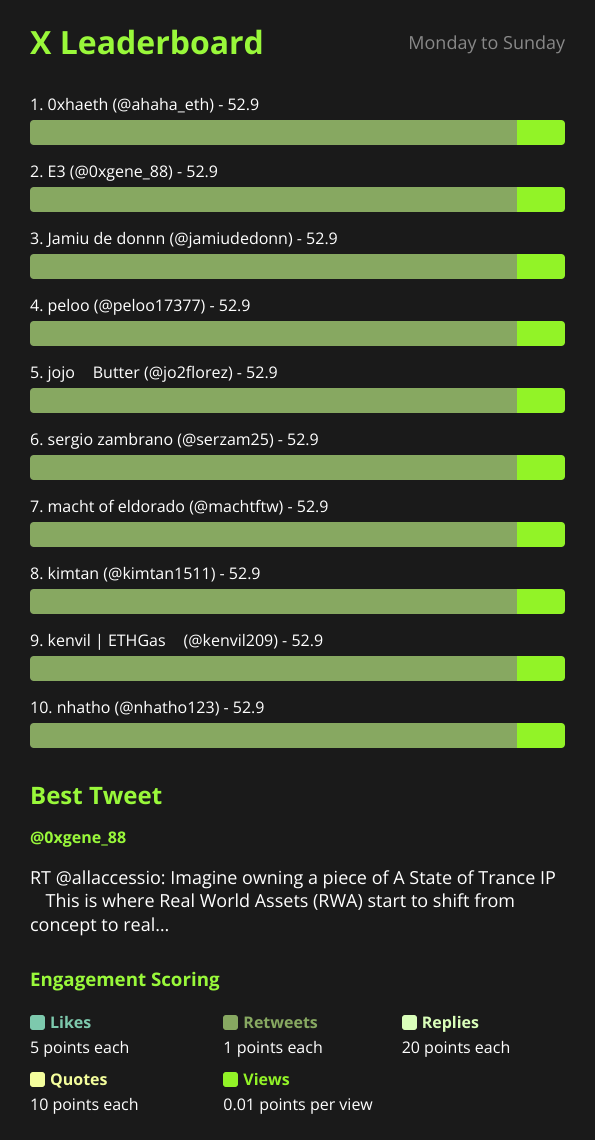
Benchmark Competitor Crypto Projects on X With a Telegram Leaderboard
Track competitor project accounts and cashtags on X with a named filter, then compare their engagement to yours in a scheduled Telegram leaderboard report.
 Nacho Coll 9 min read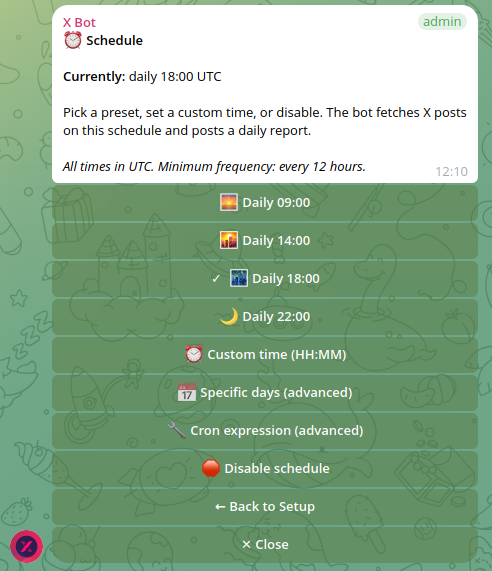
X Bot Report Not Arriving in Telegram? A Step-by-Step Checklist
Scheduled X Bot report never showed up in your Telegram group? Work through the bot, credits, schedule and filter checks in order to find the cause in minutes.
Nacho Coll 7 min read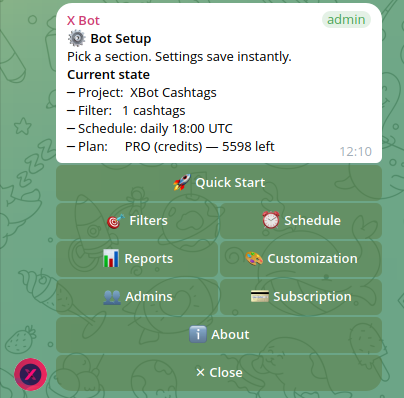
Check Your X Bot Credit Usage: Where Did My Posts Go?
See how many posts your Telegram group used this month, which plan you are on, and spot silent fetch failures with /get_credits and the /setup Usage screen.
Nacho Coll 9 min read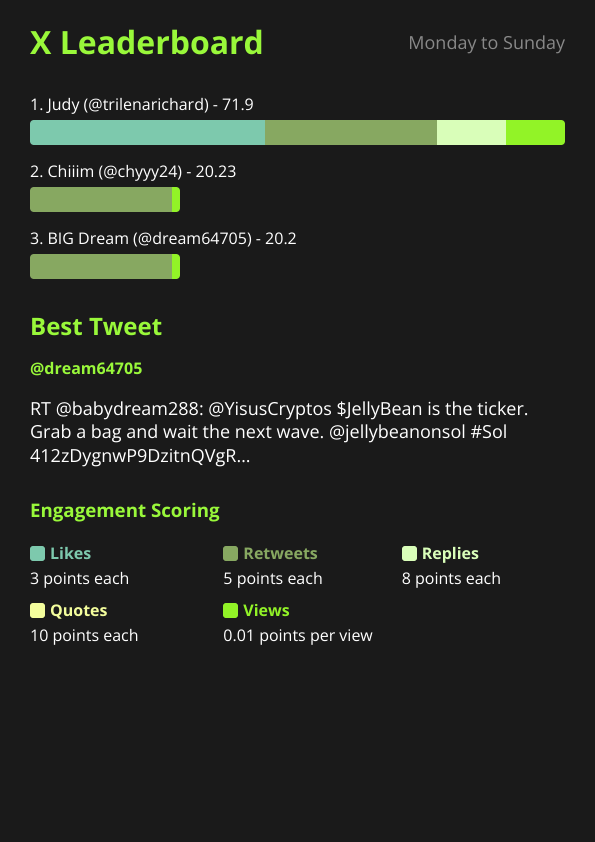
Verify KOL Deliverables Before You Pay: Proof Checklist
Paying KOLs for posts you cannot verify is expensive. Use X Bot reports in Telegram as a dated record of who posted, what it earned, and who to pay.
Nacho Coll 10 min readInstall X Bot in Your Telegram Group and Get Your First Report
Add X Bot to a Telegram group, promote it to admin, run Quick Start and generate your first X leaderboard report. Step-by-step walkthrough with fixes.
Nacho Coll 7 min read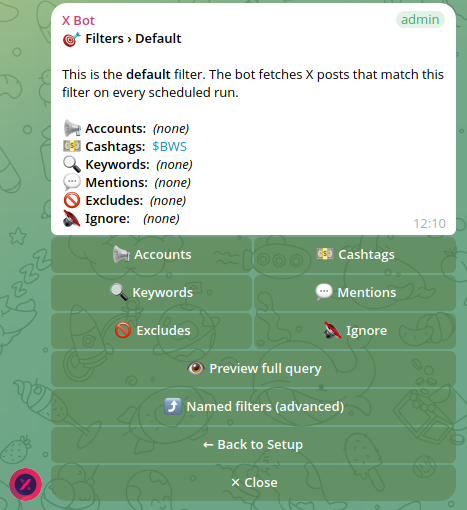
Empty X Bot Report? Match ANY vs Match ALL Filters Explained
Combined accounts, cashtags and keywords filter returning nothing? Learn how X Bot joins criteria with ANY or ALL, and how to switch it in /setup.
Nacho Coll 9 min readRun a Fixed-Dates X Engagement Contest From Telegram
Run a one- or two-week X engagement contest with a fixed start date: anchored period, daily leaderboard in Telegram, fair scoring and a clean final standing.
Nacho Coll 11 min readWhite-Labeling X Bot Reports for Client Delivery
Brand X Bot's leaderboard reports with your agency's name, logo, colors, and section titles before clients see them. Every branding option, walked through.
Nacho Coll 9 min readSending X Bot Reports to a Specific Telegram Forum Topic
Running a Telegram forum with Topics for your crypto community? Pin X Bot's scheduled reports to one specific topic instead of the general chat. Here's how.
Nacho Coll 9 min readWhat X Bot's Admin Alerts Mean (and What to Do About Each One)
X Bot DMs designated admins when a report needs attention: credits exhausted, a filter too long, or an X API error. What each alert means and the fix.
Nacho Coll 8 min readHow X Bot Support Tickets Work: From /setup to Telegram DM
Open a support ticket from X Bot's /setup menu, track its status in My tickets, and get engineer replies as a Telegram DM, without ever leaving the chat.
Nacho Coll 11 min readHow to Pull an On-Demand X Report Without Waiting
The /report command resends your last leaderboard image instantly instead of waiting for the schedule. Here is how it works, who can run it, and what it costs.
Nacho Coll 10 min readTracking Your Pre-Launch Community on X Before You Have a Cashtag
Your token doesn't exist yet, so there's no cashtag to track. Here's how to monitor your project's name, hashtag, and X mentions before launch with X Bot.
Nacho Coll 10 min readCustom Report Schedules: Cron Expressions for X Bot
X Bot supports daily presets, custom times, or full cron expressions for report timing, with a 12-hour minimum interval. Here is how to pick the right cadence.
Nacho Coll 10 min readCleaning Up Noisy X Bot Reports: Excludes & Ignore List
Retweets, quote spam, or one troll account can drown out real signal in your X Bot leaderboard. Here's how excludes and the ignore list fix that in /setup.
Nacho Coll 11 min readAdding X Bot Admins Without Losing Group Ownership
Give your team access to manage X Bot campaigns without handing over full Telegram group ownership. Here is how the Admins menu works and who should get access.
Nacho Coll 10 min read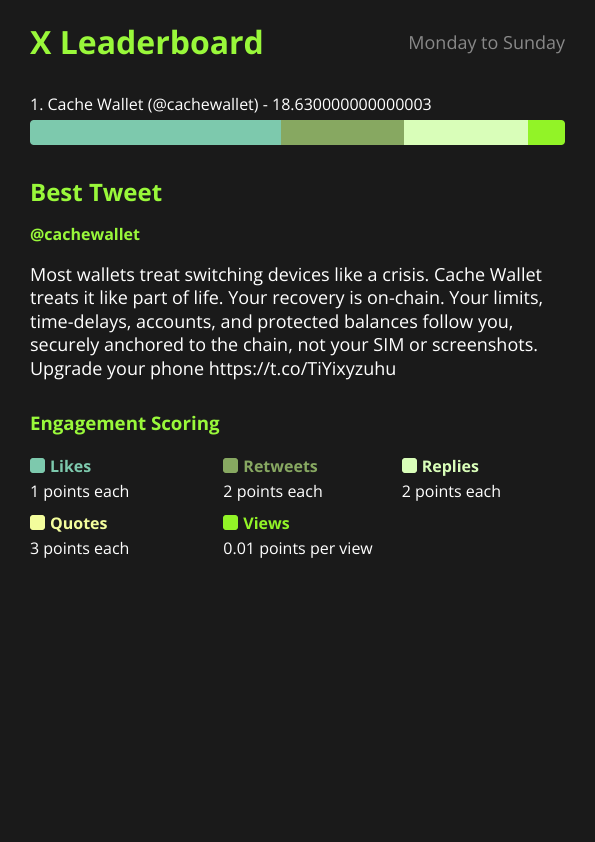
X Bot for Solo KOLs: Build a Public Performance Portfolio
Solo KOLs can track their own X activity with X Bot, auto-score engagement, and publish a public performance portfolio at xbot.ninja for clients to verify.
Nacho Coll 9 min readCustomizing Your X Bot Leaderboard: Score Weights Explained
X Bot scores tracked posts using weights for likes, retweets, replies, quotes, and views. Here is how the formula works and how to tune it for your community.
Nacho Coll 9 min readWhy We Redesigned /setup: From 50 Slash Commands to One Menu
X Bot used to expose 50+ slash commands. New users got lost. We folded everything into /setup with inline buttons. Here is what changed and why.
Nacho Coll 9 min readHow the "Best Tweet of the Day" Picker Works in X Bot
X Bot picks one "best tweet" per report from the period. Here is the rule, why we picked it, and what to do when the choice surprises you.
Nacho Coll 11 min readX Bot Pricing: FREE, ETH Credits, or $19/Month
Compare X Bot pricing: FREE (100 posts/month), a $19/month PRO subscription (1,000 posts + $0.02/post), or ETH credit packs ($0.02/credit, never expire).
Nacho Coll 9 min readAuto-Relay X Posts to Telegram in Real Time
Auto-relay X (Twitter) posts to your Telegram chat within minutes: set up account filters, skip manual refreshing, and keep API costs capped.
Nacho Coll 10 min readX Bot vs X Pro vs Old TweetDeck: When Does a Telegram Bot Win?
X Pro / TweetDeck are real-time monitoring tools. X Bot is a scheduled report engine that publishes into your team chat. Different problems, different tools.
Nacho Coll 9 min read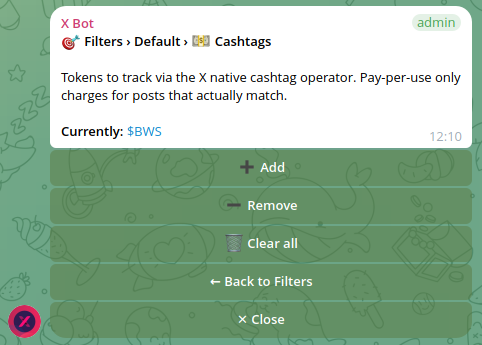
Tracking Cashtags ($YOURTOKEN) Across X for Crypto Projects
Configure X Bot to track every X post mentioning your project cashtag, score the activity, and post a leaderboard to your Telegram group. 3-minute setup.
Nacho Coll 10 min readPutting Your Project on the Public X Bot Dashboard at xbot.ninja
When your tracked chat clears the visibility thresholds, your leaderboard appears on the public xbot.ninja dashboard. Here's how to qualify.
Nacho Coll 9 min readX Bot vs Manual Spreadsheet KOL Tracking: Why Bots Win on Volume
Manual KOL tracking works for 5 posts/week but breaks at 50. See what changes when a Telegram bot runs the fetch, score, and render loop for you.
Nacho Coll 9 min readTrack Multiple KOL Clients in One Telegram Group
Run three (or thirty) client campaigns in parallel from one Telegram chat using named filters. One report per campaign per fire, all on the same schedule.
Nacho Coll 11 min readTracking X Activity for a Token Launch: What KOLs Actually Posted
Track which KOLs posted about your token, score each post by engagement, and post the leaderboard in your Telegram group. Setup takes 5 minutes.
Nacho Coll 12 min readWelcome to the X Bot Blog: Release Notes & Deep Dives
The X Bot blog covers release notes, KOL agency case studies, X API deep dives, and operator tips for running Telegram analytics communities.
Nacho Coll 4 min read